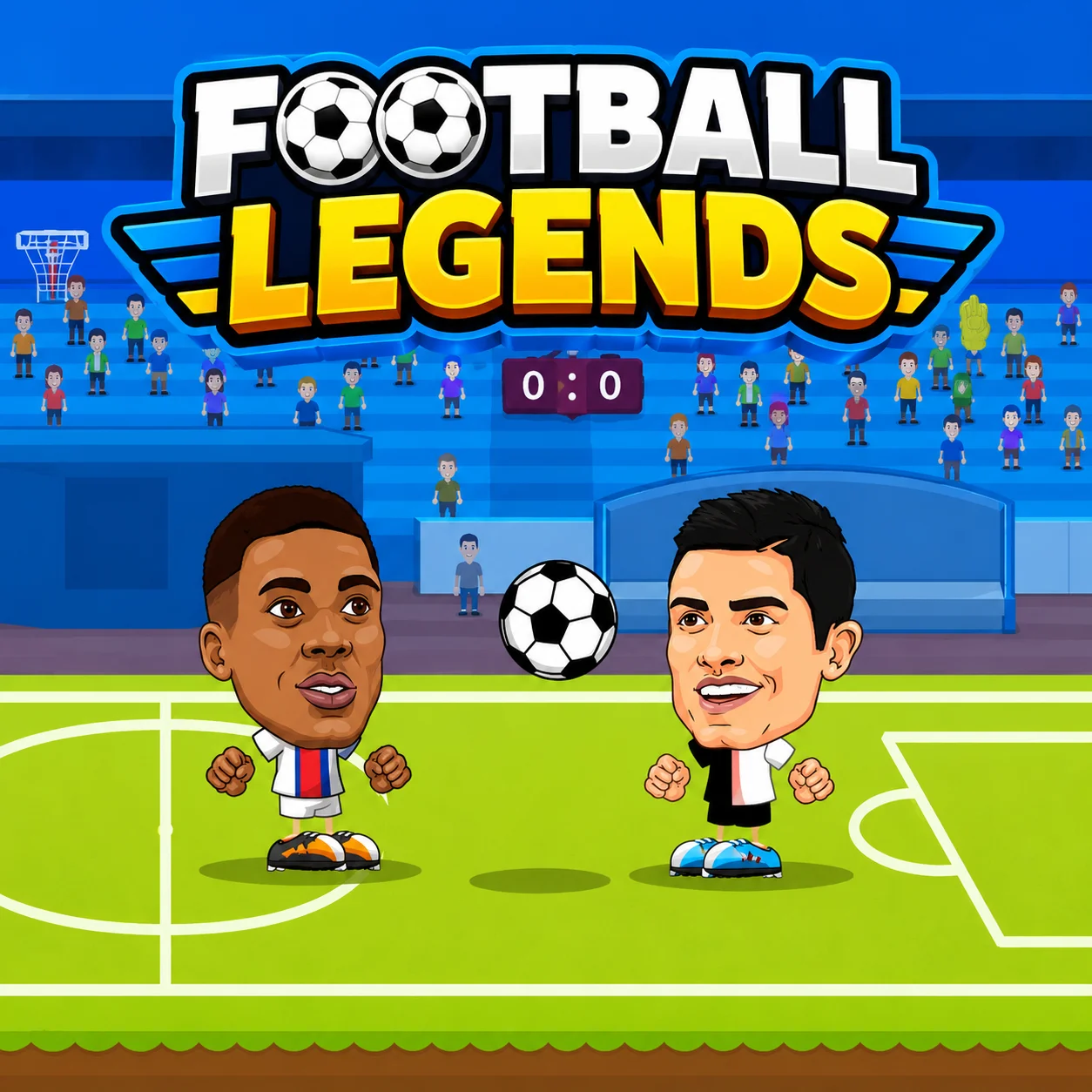
Soccer Legends is an arcade-style football game developed by MadPuffers. It is also known as Soccer Legends 2021 or Football Legends 2021 on some browser-game websites.
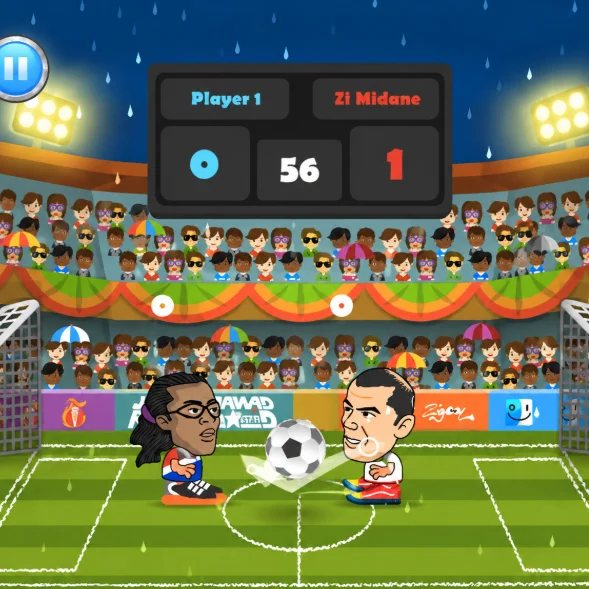
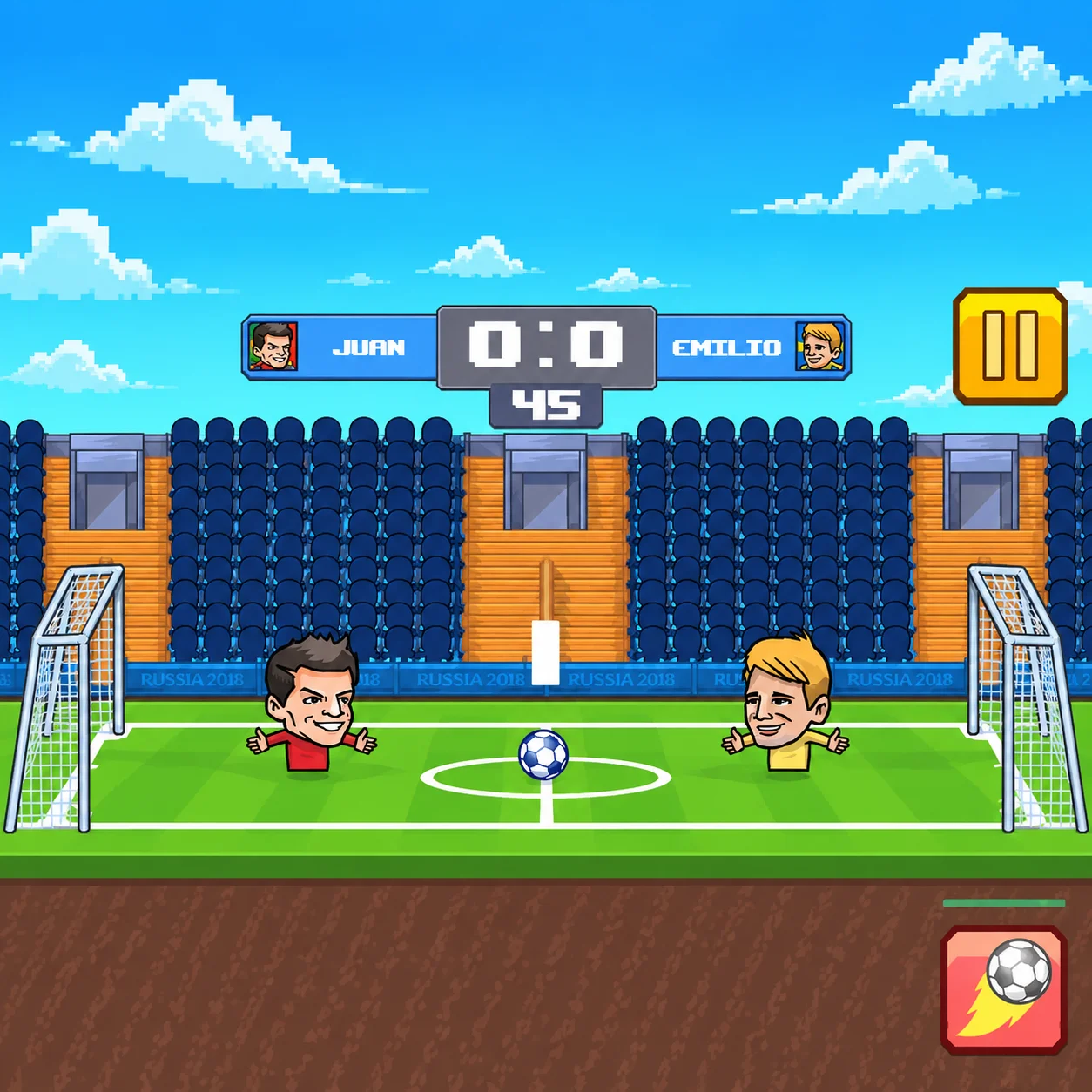
Rather than simulating a complete eleven-player match, the game focuses on compact contests featuring one or two characters per team. Every player can run, jump, slide, shoot, defend, and activate a special ability.
The exaggerated movement, large characters, and powerful supershots create a faster and more unpredictable experience than a traditional football simulation. However, good positioning and defensive timing are still essential.
You can play a quick match, enter a tournament, adjust the difficulty, or share the keyboard with another person. Available team configurations include 1v1, 2v2, and uneven formats such as 1v2 or 2v1.
Game Overview:
Alternative title: Football Legends 2021
Genre: Arcade football and two-player sports
Developer: MadPuffers
Browser release: 2021
Platform: Desktop web browser
Modes: Quick Match, Friendly, and Tournament
Match formats: 1v1, 2v2, 1v2, and 2v1
Multiplayer type: Local multiplayer on one keyboard
How to Play Soccer Legends
Select a game mode, team configuration, and football character. Each player has access to normal movement, a slide, a regular shot, and a rechargeable special ability.
Move toward the ball and use short touches or body contact to keep it under control. When a shooting lane opens, press the shot button to send the ball toward the opponent’s goal.
Jump to meet high balls or block aerial attempts. Sliding can win possession on the ground, but a mistimed challenge may leave your character unable to defend the next attack.
Special abilities include powerful fireball-style shots and teleportation moves. These skills require time to recharge, so using one without a clear opportunity can waste your strongest attack.
The basic match cycle is:
- Challenge for possession after kickoff.
- Keep your character between the ball and your goal.
- Use movement and jumps to create an attacking angle.
- Slide to intercept the opponent when necessary.
- Shoot when the goal is exposed.
- Activate a supershot or special move at the right moment.
- Score more goals before the match ends.
- Tournament mode places each victory within a larger competition. Defeat every opponent to reach the final and claim the championship.
Soccer Legends Controls
Soccer Legends Controls
Soccer Legends: A and D or Left and Right Arrows
In Soccer Legends, move
Soccer Legends: W or Up Arrow
In Soccer Legends, jump
Soccer Legends: S or Down Arrow
In Soccer Legends, slide
Soccer Legends: X or L
In Soccer Legends, shoot
Soccer Legends: Z or K
In Soccer Legends, activate the supershot or special ability
Soccer Legends: Control
In Soccer Legends, action
Soccer Legends: A
In Soccer Legends, move left
Soccer Legends: D
In Soccer Legends, move right
Soccer Legends: W
In Soccer Legends, jump
Soccer Legends: S
In Soccer Legends, slide
Soccer Legends: B
In Soccer Legends, shoot
Soccer Legends: V
In Soccer Legends, use the supershot
Soccer Legends: Control
In Soccer Legends, action
Soccer Legends: Left Arrow
In Soccer Legends, move left
Soccer Legends: Right Arrow
In Soccer Legends, move right
Soccer Legends: Up Arrow
In Soccer Legends, jump
Soccer Legends: Down Arrow
In Soccer Legends, slide
Soccer Legends: L
In Soccer Legends, shoot
Soccer Legends: K
In Soccer Legends, use the supershot
Players, Teams, and Special Abilities
Ability or Action
Main Purpose
Best Situation
Normal shot
Sends the ball toward the goal without consuming the special meter
Regular attacks and quick rebounds
Jump
Reaches high balls and blocks aerial shots
Headers, saves, and looping passes
Slide
Challenges for possession along the ground
Stopping a dribbler or reaching a loose ball
Fireball supershot
Launches an extremely powerful attempt
Clear shooting lanes and long-range chances
Teleport ability
Quickly changes the player’s position
Escaping a defender or appearing near the ball
Header
Redirects an airborne ball
Crosses, rebounds, and high defensive clearances
Beginner Tips for Soccer Legends
- Practice normal shots before relying on supershots. Understanding the basic ball trajectory makes it easier to recognize when the special attack will succeed.
- Stay behind the ball when defending. If the opponent gets between your character and the goal, recovering can be difficult.
- Do not slide whenever the ball comes close. Wait until the opponent commits to a direction, then challenge the space they are moving into.
- Jump slightly before the ball arrives. Pressing too late may cause it to pass over your character, while jumping too early can leave you helpless during the landing.
- Follow every shot. The goalkeeper, goalpost, or defender may create a rebound that is easier to score than the original attempt.
- Save the supershot until the path to goal is relatively clear. Using it directly into a defender wastes the ability and begins another recharge period.
- In 2v2 mode, avoid sending both characters forward at the same time. Keep one player deeper to cover counterattacks.
Advanced Tips for Soccer Legends
- Control the space in front of the goal rather than standing directly on the goal line. This position allows you to block shots while still challenging for loose balls.
- Use slides as passing and attacking tools, not only as tackles. A well-timed slide can push the ball beyond an opponent and begin a counterattack.
- Vary your shot timing. Immediate shots are useful for rebounds, but delaying the kick can make the defender jump or slide too early.
- With a fireball ability, wait for the opponent to leave the center of the goal. A powerful shot aimed directly at a prepared defender may simply rebound into midfield.
- With teleportation, disguise your intention. Move in one direction, encourage the defender to follow, and then activate the ability to reach open space.
- In uneven matches such as 1v2, avoid prolonged physical battles. Use the solo character’s movement and special ability to separate the opponents rather than challenging both together.
- In 2v2, divide responsibilities dynamically. The closest player should pressure the ball while the other protects the goal and prepares for rebounds.
- During Tournament mode, play patiently in later rounds. Stronger computer opponents punish missed slides and wasted supershots more effectively than early opponents.
Game Features in Soccer Legends
- Players, Teams, and Special Abilities
Soccer Legends FAQ
What is Soccer Legends?
Soccer Legends is a fast arcade football game featuring compact teams, exaggerated movement, slides, supershots, and special player abilities in Soccer Legends.
Is Soccer Legends the same as Football Legends?
Soccer Legends: Yes. Soccer Legends and Football Legends are names used for the same MadPuffers browser-game series in different regions in Soccer Legends.
Who developed Soccer Legends?
Soccer Legends was developed by MadPuffers, the studio behind Basketball Stars, Tennis Masters, and the Moto X3M series in Soccer Legends.
Can I play Soccer Legends online?
Soccer Legends: Yes. In Soccer Legends, the game runs directly in a (Soccer Legends) compatible desktop web browser without requiring a separate installation in Soccer Legends.
Can two players play on the same computer?
Soccer Legends: Yes. Local multiplayer allows two people to share one keyboard and compete against each other or participate in supported team configurations in Soccer Legends.
Does Soccer Legends have online matchmaking?
Soccer Legends: The standard Soccer Legends 2021 browser edition focuses on solo play and local two-player matches. It does not normally include matchmaking against remote players in Soccer Legends.
Which game modes are available?
Soccer Legends: Common options include Quick Match, Friendly, and Tournament. Players can also adjust team size and difficulty in supported modes in Soccer Legends.
Can I play 2v2 matches?
Soccer Legends: Yes. Soccer Legends supports 2v2 matches along with 1v1, 1v2, and 2v1 configurations in Soccer Legends.
How do I perform a supershot?
Soccer Legends: Press Z or K in single-player mode. In local multiplayer, Player 1 uses V and Player 2 uses K in Soccer Legends.
Why is my supershot unavailable?
Soccer Legends: Special abilities have a recharge period. Wait for the meter or indicator to recover before trying to activate the move again in Soccer Legends.
How do I slide?
Soccer Legends: Use S for the WASD-controlled player or the Down Arrow for the Arrow-key-controlled player in Soccer Legends.
Which special abilities are available?
Soccer Legends: Characters commonly use either a powerful fireball-style shot or a teleportation ability. The exact roster and skill assignment can vary by version in Soccer Legends.
What is the best ability for beginners?
Soccer Legends: The fireball supershot is usually easier to understand because it strengthens a normal attacking action. Teleportation requires more awareness of positioning and ball direction in Soccer Legends.
Can I change the difficulty?
Soccer Legends: Yes. Supported single-player modes allow you to adjust the computer opponent’s difficulty in Soccer Legends.
Is there a tournament mode?
Soccer Legends: Yes. Tournament mode places you in a series of matches leading toward a championship final in Soccer Legends.