Games›Sports›Volleyball Challenge

Volleyball Challenge

Developer:Unknown Developer
Rating:⭐ 5.0 (1,234 votes)
Released:2024
Technology:HTML5
Platforms:Browser

About Volleyball Challenge

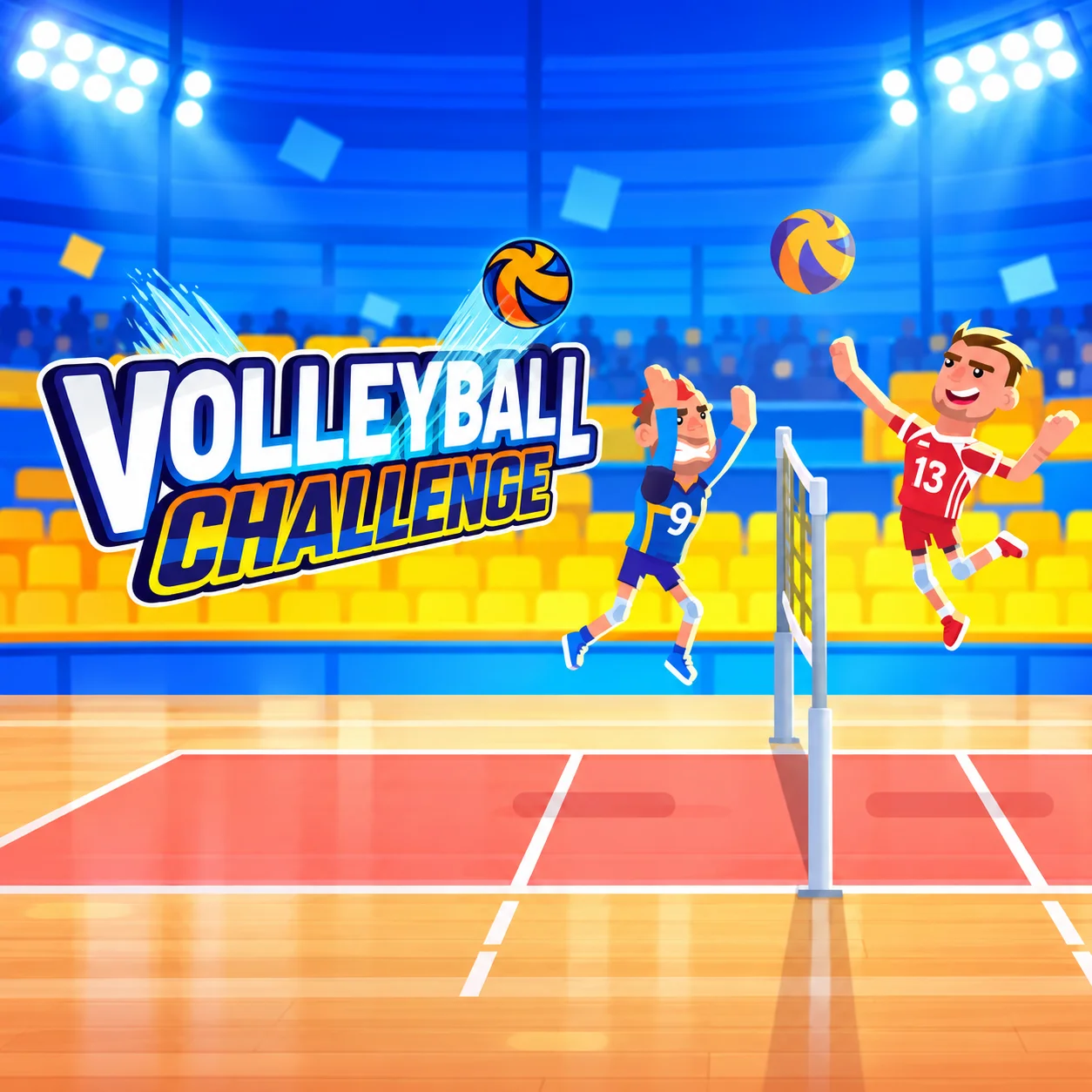
Volleyball Challenge uses direct character movement rather than automatic positioning. You move under the ball, jump with V, and strike with C to send it over the net while working within a three-touch limit.

Most of the depth comes from how Manual positioning interacts with Jump timing. WASD controls where your player stands before the contact. V changes the height of the contact point near the net. Three-touch limit keeps the later part of the attempt from becoming automatic. A team can use up to three touches before the ball must be returned over the net.

Timing is tied to vertical position: a jump changes where and when a hit can contact the ball, so the same C input can produce a very different result depending on your setup.

  • Volleyball
  • 1–2 players
  • Manual positioning
  • Jump timing
  • Three-touch limit

How to Play Volleyball Challenge

  1. Get the controls settled before playing aggressively in Volleyball Challenge. The main inputs are WASD (move), C (hit the ball) and V (jump). A few deliberate attempts centered on manual positioning will make later decisions easier.

  2. The most reliable flow is to establish manual positioning, watch how jump timing changes the situation, and only then commit around three-touch limit. Send the ball over the net and score by making the opponent fail to return it.

Volleyball Challenge Controls

Controls

Control
Action
Volleyball Challenge: WASD
In Volleyball Challenge, move
Volleyball Challenge: C
In Volleyball Challenge, hit the ball
Volleyball Challenge: V
In Volleyball Challenge, jump

Game Mode

Single Player / Local 2 Player: Volleyball Challenge supports solo play and a local two-player match.

Gameplay Mechanics

  • Manual positioning: WASD controls where your player stands before the contact.
  • Jump timing: V changes the height of the contact point near the net.
  • Three-touch limit: A team can use up to three touches before the ball must be returned over the net.

Beginner Tips for Volleyball Challenge

  • Meet the ball near the net: Jump and hit when the ball enters a reachable attacking height.
  • Recover toward center: After a wide save, move back toward the middle so the next angle is not left open.
  • Change attack direction: Do not return every ball to the same area of the opponent’s court.

Game Features in Volleyball Challenge

  • Game Mode
  • Gameplay Mechanics

Who Should Play Volleyball Challenge?

Volleyball Challenge is listed as Sports / Volleyball.

In Volleyball Challenge, the listed player setup is 1–2 players.

Volleyball Challenge FAQ

How do you score or win in Volleyball Challenge?

Volleyball Challenge: The goal is to send the ball over the net and score by making the opponent fail to return it. Start with manual positioning and build from there in Volleyball Challenge.

How do the controls work in Volleyball Challenge?

Volleyball Challenge: In Volleyball Challenge, the main inputs are WASD (move), C (hit the ball) and V (jump) in Volleyball Challenge.

Can two people play Volleyball Challenge?

Volleyball Challenge: Yes. In Volleyball Challenge, volleyball Challenge supports a local two-player match (Volleyball Challenge) as well as solo play in Volleyball Challenge.

Can Volleyball Challenge be played in a browser?

Volleyball Challenge: Yes. In Volleyball Challenge, volleyball Challenge runs in the browser in Volleyball Challenge and can be started from the game page in Volleyball Challenge.

Why do I keep failing in Volleyball Challenge?

Volleyball Challenge: Beginners can be more consistent in Volleyball Challenge if they jump and hit when the ball enters a reachable attacking height in Volleyball Challenge.

What does three-touch limit change in Volleyball Challenge?

Volleyball Challenge: The practical effect is that v changes the height of the contact point near the net in Volleyball Challenge.

Do I need to download Volleyball Challenge?

Volleyball Challenge: No. You can open Volleyball Challenge on the game page without installing a standalone app. in Volleyball Challenge.

What is Volleyball Challenge?

Volleyball Challenge uses direct character movement rather than automatic positioning in Volleyball Challenge.

How do you play Volleyball Challenge?

Volleyball Challenge: Get the controls settled before playing aggressively in Volleyball Challenge. The main inputs are WASD (move), C (hit the ball) and V (jump). A few deliberate attempts centered on manual positioning will make later decisions easier in Volleyball Challenge.

How do you control Volleyball Challenge?

Volleyball Challenge: In Volleyball Challenge, use Volleyball Challenge: WASD (In Volleyball Challenge, move); Volleyball Challenge: C (In Volleyball Challenge, hit the ball); Volleyball Challenge: V (In Volleyball Challenge, jump).

How can I improve at Volleyball Challenge?

Volleyball Challenge: Meet the ball near the net: Jump and hit when the ball enters a reachable attacking height in Volleyball Challenge.

Is Volleyball Challenge multiplayer?

Volleyball Challenge: The listed player setup for Volleyball Challenge is 1–2 players.

Can I play Volleyball Challenge on mobile or desktop?

Volleyball Challenge is listed for Browser.
Similar Games to Volleyball Challenge

Near Volleyball Challenge:

Keep playing Volleyball Challenge here:

Frequently Asked Questions

How do you score or win in Volleyball Challenge?

Volleyball Challenge: The goal is to send the ball over the net and score by making the opponent fail to return it. Start with manual positioning and build from there in Volleyball Challenge.

How do the controls work in Volleyball Challenge?

Volleyball Challenge: In Volleyball Challenge, the main inputs are WASD (move), C (hit the ball) and V (jump) in Volleyball Challenge.

Can two people play Volleyball Challenge?

Volleyball Challenge: Yes. In Volleyball Challenge, volleyball Challenge supports a local two-player match (Volleyball Challenge) as well as solo play in Volleyball Challenge.

Can Volleyball Challenge be played in a browser?

Volleyball Challenge: Yes. In Volleyball Challenge, volleyball Challenge runs in the browser in Volleyball Challenge and can be started from the game page in Volleyball Challenge.

Why do I keep failing in Volleyball Challenge?

Volleyball Challenge: Beginners can be more consistent in Volleyball Challenge if they jump and hit when the ball enters a reachable attacking height in Volleyball Challenge.

What does three-touch limit change in Volleyball Challenge?

Volleyball Challenge: The practical effect is that v changes the height of the contact point near the net in Volleyball Challenge.

Do I need to download Volleyball Challenge?

Volleyball Challenge: No. You can open Volleyball Challenge on the game page without installing a standalone app. in Volleyball Challenge.

What is Volleyball Challenge?

Volleyball Challenge uses direct character movement rather than automatic positioning in Volleyball Challenge.

How do you play Volleyball Challenge?

Volleyball Challenge: Get the controls settled before playing aggressively in Volleyball Challenge. The main inputs are WASD (move), C (hit the ball) and V (jump). A few deliberate attempts centered on manual positioning will make later decisions easier in Volleyball Challenge.

How do you control Volleyball Challenge?

Volleyball Challenge: In Volleyball Challenge, use Volleyball Challenge: WASD (In Volleyball Challenge, move); Volleyball Challenge: C (In Volleyball Challenge, hit the ball); Volleyball Challenge: V (In Volleyball Challenge, jump).

How can I improve at Volleyball Challenge?

Volleyball Challenge: Meet the ball near the net: Jump and hit when the ball enters a reachable attacking height in Volleyball Challenge.

Is Volleyball Challenge multiplayer?

Volleyball Challenge: The listed player setup for Volleyball Challenge is 1–2 players.

Can I play Volleyball Challenge on mobile or desktop?

Volleyball Challenge is listed for Browser.