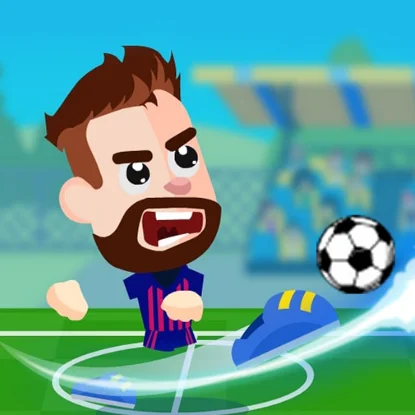
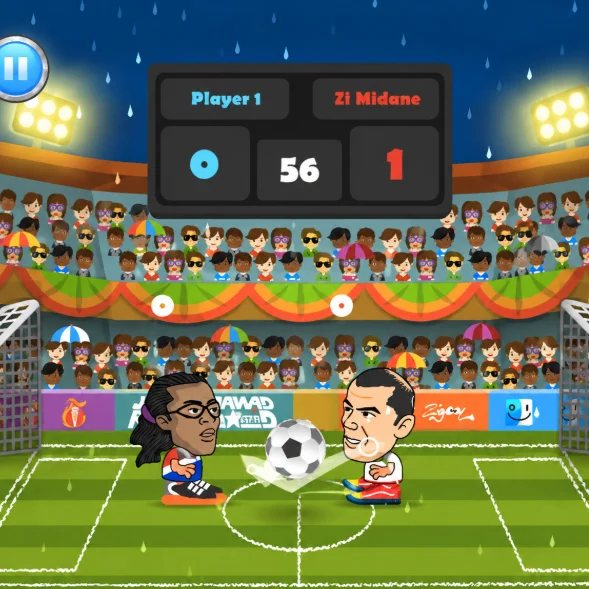
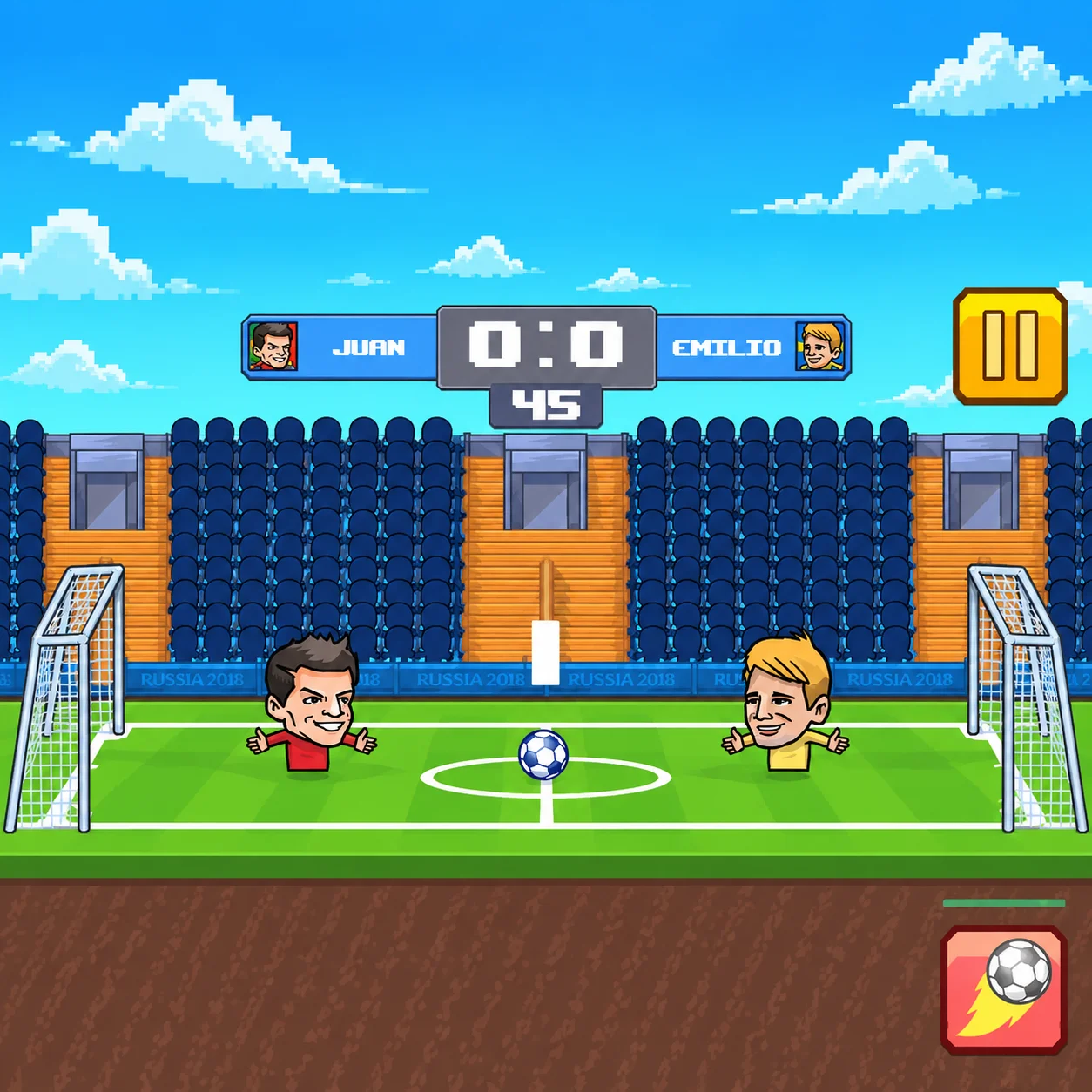
Football Legends is a fast-paced arcade soccer game developed by MadPuffers. Choose a football team, take control of a stylized star player, and compete in compact matches filled with headers, tackles, powerful shots, and special abilities.
The game supports solo matches against computer-controlled opponents as well as local two-player competition. Friends can face each other in 1v1 matches or join the same team in a cooperative tournament.
Football Legends is easier to learn than a traditional soccer simulation, but positioning, shot timing, defensive discipline, and careful use of supershots remain essential for victory.
How to Play Football Legends
Select whether you want to play alone or with another player. Next, choose a game mode, pick your team, and begin the match.
Move around the field to gain control of the ball. Use regular shots when you have a clear view of the goal, slide to challenge opponents, and activate your special ability when the opportunity is right.
Score more goals than the opposing team before the match timer expires. In tournament mode, continue winning to advance through the competition and reach the final.
Football Legends Controls
Football Legends Controls
Football Legends: W, A, S, D
In Football Legends, move and jump
Football Legends: B
In Football Legends, shoot or slide
Football Legends: V
In Football Legends, use the supershot
Football Legends: Control
In Football Legends, action
Football Legends: Arrow Keys
In Football Legends, move and jump
Football Legends: L
In Football Legends, shoot or slide
Football Legends: K
In Football Legends, use the supershot
Football Legends: Control
In Football Legends, action
Football Legends: WASD or Arrow Keys
In Football Legends, move
Football Legends: X or L
In Football Legends, shoot
Football Legends: Z or K
In Football Legends, supershot
The Main Objective in Football Legends
Your objective is to score more goals than your opponent before time runs out. A goal counts whenever the ball completely enters the opposing net.
You must contribute at both ends of the field. Attack when you control the ball, but move back quickly when your opponent begins a counterattack.
If the scores are close, one rebound or supershot can decide the entire match.
Choose a Game Mode
Football Legends provides several ways to play:
Quick Match: Begin a standalone match with minimal setup.
Tournament: Win consecutive fixtures and compete for the championship.
One Player: Face computer-controlled opponents.
Two Player: Share a keyboard and play with a friend.
1v1: Compete directly against the other player.
Co-op: Join forces with a friend against the computer.
Mode availability and labels can vary slightly between hosted browser versions.
Play a Quick Match
Quick Match is useful when you want immediate football action without committing to a complete tournament.
Choose your team and opponent, then enter the field. This mode is also a practical place to learn the controls, test characters, and practice supershots.
Replay quick matches to improve your skills before starting a longer competition.
Enter Tournament Mode
Tournament mode challenges you to defeat a series of opposing teams. Each victory moves you closer to the final and the championship.
Later opponents may defend more effectively and punish careless mistakes. You must maintain concentration across every round because losing can end your tournament run.
Balance attacking ambition with reliable defense to survive the complete competition.
Play Against the Computer
In one-player mode, you compete against computer-controlled footballers. The mode allows you to learn movement, shooting, and defending without sharing the keyboard.
Observe how the computer approaches the ball and reacts to attacks. It may develop recognizable movement patterns that can be exploited with good positioning.
Increase the difficulty when available if matches become too easy.
Challenge a Friend
Two-player mode allows two people to compete using the same keyboard. Each player receives a separate set of movement, shooting, and special-ability controls.
Local competition creates unpredictable matches because a human opponent can adapt to your habits. Repeating the same attack will become less effective once your friend recognizes it.
Confirm that both players have enough space around their assigned keys before the match begins.
Play Together in Co-op Mode
Co-op mode lets both players join the same side and compete against the computer. Communication is essential because both teammates need to cover different areas of the pitch.
One player can attack while the other protects the goal. When possession changes, switch responsibilities instead of both chasing the ball.
Passing opportunities and coordinated pressure can make a two-player team much more effective.
Move and Control the Field
Good movement helps you reach the ball before your opponent. Position your character between the ball and the area you want to protect.
Avoid chasing every bounce without considering where the ball will travel next. Sometimes waiting near the expected landing point is faster than following its current position.
Use short movements to adjust your angle before shooting.
Jump for Headers
Jumping allows you to intercept high balls and direct headers toward the opposing goal. It is also an important defensive technique when the opponent launches an aerial shot.
Time the jump so your character meets the ball at the correct height. Jumping too early can leave you underneath the ball, while jumping too late gives the opponent control.
Headers near the goal can produce fast scoring opportunities.
Use Regular Shots
A standard shot is your primary attacking action. Use it when the ball is positioned in front of your character and you have a clear angle toward the goal.
The same action may perform a slide when you do not control the ball. This allows you to challenge an opponent and recover possession.
Pay attention to the situation so you do not slide when you intended to shoot or kick the ball away when you needed to defend.
Master the Supershot
The supershot is a powerful special ability that can change the score with one successful attack. Activate it using the assigned special-action key.
A supershot is stronger and more dramatic than a regular kick, but it should still be used from a useful position. Activating it while facing the wrong direction may waste the opportunity.
Wait until the ball, opponent, and goal are correctly aligned before using the move.
Watch the Supershot Meter
Special attacks may require the supershot meter to recharge. When the ability is unavailable, rely on movement, jumping, and regular shots.
Monitor the indicator instead of repeatedly pressing the special key. Knowing when the ability becomes ready allows you to prepare the next attack.
Your opponent may also have a charged supershot, so avoid leaving the goal exposed.
Attack Effectively
Move behind the ball before shooting so that your kick sends it toward the opposing goal. Attacking from the wrong side can create a dangerous own goal.
Follow your shots instead of assuming they will score immediately. A blocked attempt may rebound into a better position for a second strike.
Mix regular kicks, headers, and supershots to keep your opponent uncertain.
Defend Your Goal
When the opponent gains possession, retreat and position your character between the ball and your net.
Jump to block high shots and use the slide action to challenge low attacks. Avoid defending from inside the goal because rebounds can become difficult to clear from such a restricted position.
After winning the ball, move forward and begin a counterattack before the opponent recovers.
Control Rebounds
The ball frequently bounces off players, posts, and other parts of the field. These rebounds can produce unexpected scoring chances at either end.
Watch the ball after every blocked shot. Moving toward the likely rebound location can give you possession before your opponent reacts.
Near the goal, remain prepared for the ball to return after hitting the post.
Choose Your Character
Football Legends features stylized football stars with distinctive appearances and special abilities. The characters are presented as exaggerated arcade interpretations rather than realistic simulations.
Try different available players to discover which special move best suits your approach. Some abilities may be easier to use from particular positions or against certain defensive styles.
Character selection adds tactical variety to repeated matches.
Best Strategy for Winning
- Gain control of the center without abandoning your own goal. The middle of the field gives you room to attack while still allowing a quick defensive recovery.
- Use regular shots to create pressure and save the supershot for a high-quality opportunity. When leading, avoid unnecessary risks that could give your opponent an open counterattack.
- When trailing, press forward but keep track of the match timer and your defensive position.
One-on-One Strategy
- In 1v1 matches, your single character must attack and defend. Every decision affects both responsibilities.
- Do not move too far beyond the ball because the opponent may immediately launch it toward your unprotected goal. Instead, maintain a position that allows you to shoot and recover.
- Force the rival backward with high balls, then attack the rebound when it drops.
Co-op Strategy
- In co-op matches, assign different roles instead of having both teammates chase the ball. One player can remain slightly deeper while the other applies attacking pressure.
- Communicate before using a supershot so your teammate can avoid disrupting the setup. If the attacking player loses possession, the deeper teammate should delay the opponent.
- Good spacing makes the team more effective than two players occupying the same position.
Beginner Tips for Football Legends
- Learn the movement and shooting keys before starting a tournament.
- Move behind the ball before attempting a shot.
- Jump only when the ball is approaching the correct height.
- Save supershots for clear attacking opportunities.
- Return to defense immediately after losing possession.
- Watch rebounds after every blocked attempt.
- Avoid pressing multiple action keys without a clear purpose.
- Practice in Quick Match before entering Tournament mode.
- Check the control layout before playing with a friend.
Advanced Tips for Football Legends
- Stand near the expected landing point instead of chasing the ball.
- Use headers to redirect high shots over the opponent.
- Pressure the rival without moving beyond the ball.
- Follow regular shots to capitalize on rebounds.
- Delay a supershot until the opponent commits to a movement.
- Change your attacking rhythm to remain unpredictable.
- In co-op mode, maintain space between both teammates.
- Protect a late lead by controlling the center of the field.
Common Mistakes to Avoid in Football Legends
A frequent mistake is using the
A frequent mistake is using the supershot as soon as it becomes available. A special attack taken from a poor angle is easier to block and wastes a valuable opportunity.
Players also tend to follow the
Players also tend to follow the ball too aggressively. Moving past it may leave the goal completely exposed.
In cooperative mode, both teammates should
In cooperative mode, both teammates should not occupy the same area. Poor spacing creates defensive gaps and makes it harder to control rebounds.
Why Football Legends Is Fun
Football Legends delivers the excitement of soccer through short matches and exaggerated arcade action. Players can begin with a few simple controls while gradually improving their timing and positioning.
Supershots make important moments visually dramatic, and the unpredictable rebounds create frequent changes in possession.
The combination of solo tournaments, friendly competition, and local co-op gives the game strong replay value.
Browser Game Experience for Football Legends
Football Legends runs directly in a compatible web browser. No separate launcher or large installation is needed for the hosted web version.
Keyboard controls are central to the experience, particularly in local two-player mode. Click the game window before playing to ensure that the browser sends keyboard input to the game.
Use an updated browser and full-screen mode when available. Avoid pressing browser shortcuts that use the same keys as the game.
Game Features in Football Legends
- Fast arcade-style soccer matches
- One-player mode
- Local two-player mode
- 1v1 competition
- Cooperative play
- Quick Match mode
- Tournament mode
- Regular kicks and sliding tackles
- Jumping headers
- Rechargeable supershots
- Multiple teams and characters
- Stylized football-star designs
- Shared-keyboard multiplayer
- HTML5 browser gameplay
- No large download required
Who Should Play Football Legends?
Football Legends is suitable for players who enjoy football, arcade sports, two-player games, local competition, and cooperative browser experiences.
It is particularly enjoyable when played with a friend because both competitive and co-op options are available on the same computer.
Players looking for realistic team management or eleven-a-side simulation should note that Football Legends focuses on compact arcade matches.
Football Legends FAQ
What is Football Legends?
Football Legends is an arcade soccer game featuring quick matches, tournaments, special abilities, and local two-player gameplay in Football Legends.
Who created Football Legends?
Football Legends was developed by MadPuffers.
Can I play Football Legends alone?
Football Legends: Yes. You can play against computer-controlled opponents in Quick Match and Tournament modes in Football Legends.
Does Football Legends have a two-player mode?
Football Legends: Yes. Two players can share one keyboard and either compete against each other or cooperate against the computer in Football Legends.
Is Football Legends an online multiplayer game?
Football Legends: The standard browser version focuses on solo play and local multiplayer on the same computer. It should not be described as internet matchmaking unless your hosted build specifically includes that feature in Football Legends.
How does Player 1 move?
Football Legends: Player 1 generally uses W, A, S, and D in Football Legends.
How does Player 2 move?
Football Legends: Player 2 uses the Arrow Keys.
How do I shoot?
Football Legends: Player 1 generally uses B, while Player 2 uses L. Some hosted versions may also present X and L as the primary shooting keys in Football Legends.
How do I use a supershot?
Football Legends: Player 1 generally uses V, while Player 2 uses K. Some versions display Z and K as the supershot controls in Football Legends.
Can two players join the same team?
Football Legends: Yes. Co-op mode allows two local players to compete together against computer-controlled opponents in Football Legends.
Can I play Football Legends online for free?
Football Legends: Yes. Football Legends is available as a free browser game on supported websites in Football Legends.
Do I need to download Football Legends?
Football Legends: No. The web version runs directly (Football Legends) in a compatible browser in Football Legends.
How do you play Football Legends?
Football Legends: Select whether you want to play alone or with another player. Next, choose a game mode, pick your team, and begin the match in Football Legends.
How do you control Football Legends?
Football Legends: In Football Legends, use Football Legends: W, A, S, D (In Football Legends, move and jump); Football Legends: B (In Football Legends, shoot or slide); Football Legends: V (In Football Legends, use the supershot).
Who developed Football Legends?
Football Legends was developed by MadPuffers.
Final Thoughts on Football Legends
Football Legends combines accessible controls with energetic matches, powerful special moves, and several ways to play. It is easy to start, but winning consistently requires good positioning, accurate shots, and disciplined defense.
Choose your team, enter a quick match or tournament, and save your supershot for the right moment. Whether you compete against the computer, challenge a friend, or cooperate on the same team, Football Legends provides an entertaining browser soccer experience.