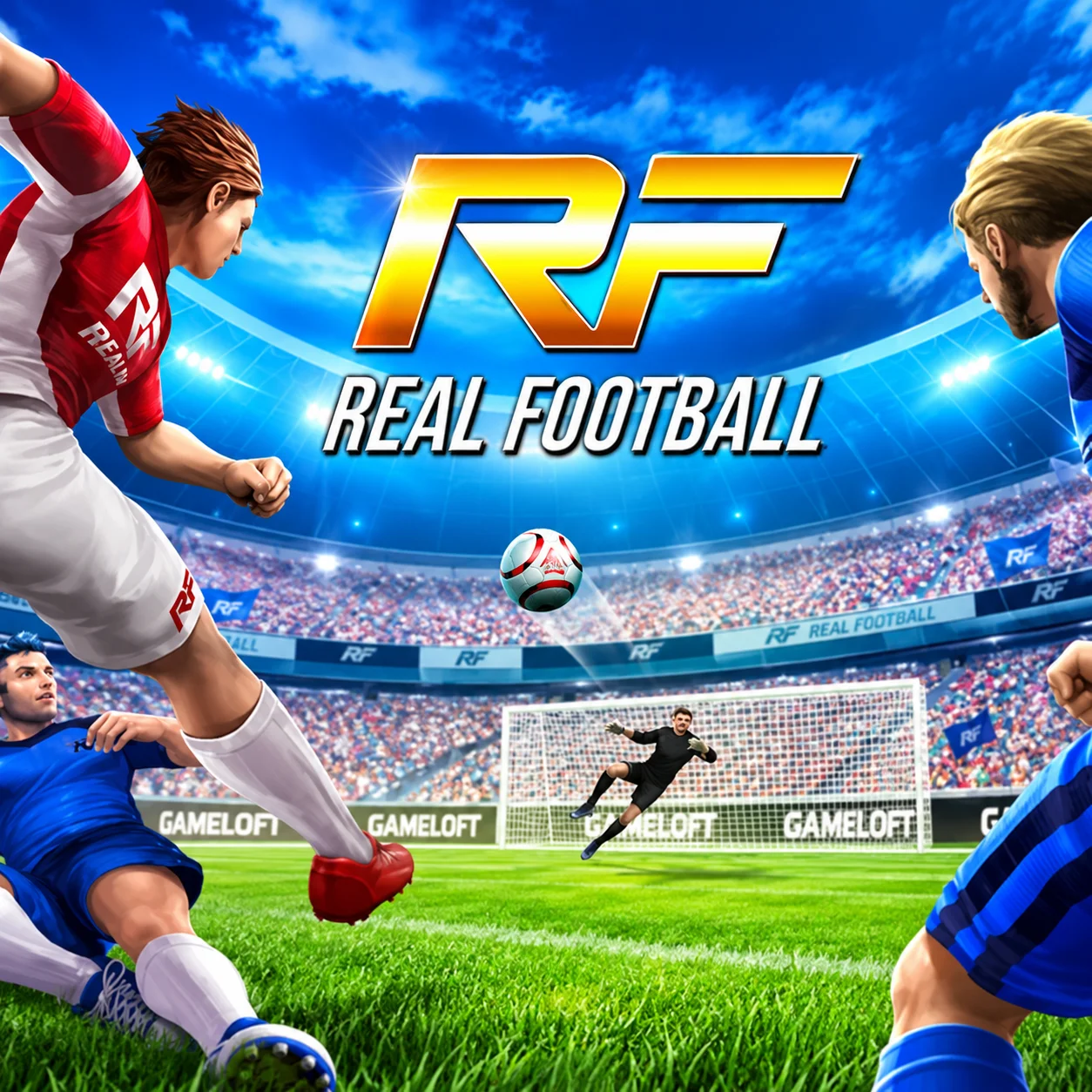
Real Football is a browser-based soccer simulation that combines on-field match control with team management. Build a fantasy squad, compete in league and cup tournaments, make tactical decisions, and attempt to become a world champion.
During matches, you can move players, sprint into space, complete short and long passes, shoot, tackle, and change the team’s tactical approach. Outside the match, management systems allow you to improve the squad and prepare for future competitions.
Real Football is part of Gameloft’s long-running football series. This edition uses HTML5 technology and can be played directly in a compatible desktop browser.
How to Play Real Football
Choose a team or create your own fantasy squad, then select an available competition. During the match, control the active footballer with either the mouse or keyboard.
Move into open space, pass between teammates, and create a shooting opportunity near the opposing goal. When possession is lost, close down the opponent and attempt to recover the ball.
Change tactics when the match situation requires a different approach. Score more goals before time expires to win and continue your league or cup campaign.
Between matches, review the squad, make management decisions, and strengthen any weak areas of the team.
Real Football Controls
Mouse Controls
Real Football: Left-click on the pitch
In Real Football, move the active player to that area.
Real Football: Double-click on the pitch
In Real Football, sprint toward the selected area.
Real Football: Left-click a teammate or single-arrow icon
In Real Football, make a short pass.
Real Football: Left-click the double-arrow icon
In Real Football, make a long pass.
Real Football: Left-click the active player’s name box
In Real Football, shoot.
Real Football: Left-click the tactics icon
In Real Football, switch the team’s tactical approach.
Real Football: Left-click an opponent
In Real Football, attempt a tackle in supported situations.
The complete control guide is also available through the in-game settings.
Keyboard Controls
Real Football: W, A, S, D
In Real Football, move the active player.
Real Football: Shift
In Real Football, sprint.
Real Football: E
In Real Football, make a short pass.
Real Football: R
In Real Football, make a long pass.
Real Football: Spacebar
In Real Football, shoot.
Real Football: T
In Real Football, switch tactics.
Build Your Dream Team
Real Football allows you to develop a fantasy squad rather than playing only isolated exhibition matches. Team quality affects how effectively you can compete against stronger opposition.
Review the available players and consider what the squad needs most. Adding only attacking talent can leave the defense vulnerable, while focusing exclusively on defenders may make it difficult to create goals.
A balanced team needs players capable of progressing the ball, creating opportunities, finishing attacks, and protecting its own goal.
Control Players on the Pitch
The active footballer responds to your movement commands while teammates follow their positions automatically. Use this control to carry the ball, close down an opponent, or move into a useful passing lane.
Avoid running directly toward several defenders. Change direction or release a pass before they surround the ball carrier.
When defending, move toward the opponent’s route rather than following from behind. Cutting off the path makes recovering possession easier.
Use Short Passes
Short passes are the safest way to maintain possession and move through crowded areas. Use them to connect nearby teammates and draw defenders away from their positions.
Pass before an opponent reaches the ball carrier. Waiting until contact occurs can cause the action to be interrupted or possession to be lost.
Several controlled passes can create a much clearer shot than one rushed long ball.
Use Long Passes
Long passes move the football quickly over a larger part of the field. They are useful for switching the attack, reaching an advanced teammate, or starting a counterattack.
Before using one, check that the intended target has enough space. A hopeful long ball toward a crowded area is likely to return possession to the opponent.
Use long passes selectively. Their value comes from changing the direction or speed of the attack.
Sprint Into Open Space
Sprinting helps a player reach a loose ball, escape a nearby defender, or advance during a counterattack. Use Shift with keyboard controls or double-click the intended area when playing with the mouse.
Do not sprint constantly. Fast movement can make it more difficult to turn, pass accurately, or avoid an opponent.
Accelerate when a clear lane appears, then return to controlled movement before making the next technical action.
Create Shooting Opportunities
A successful attack should end with a shot from a useful position. Move the ball close enough to threaten the goal and avoid shooting through a large group of defenders.
Look for space near the center or an angle that forces the goalkeeper to cover more of the goal. Passing to a better-positioned teammate is often more effective than shooting immediately.
Use the player’s name box with mouse controls or press the Spacebar when using the keyboard.
Defend and Tackle
When the opponent has possession, position the controlled player between the ball and your goal. Close the available space without abandoning the rest of the formation.
Attempt a tackle when you are close enough and aligned with the ball. A poorly timed challenge can miss completely or create an unnecessary foul.
Recover your defensive shape immediately if the first challenge fails.
Avoid Unnecessary Fouls
Aggressive tackling may recover possession, but mistimed challenges can result in free kicks or other dangerous situations.
Do not tackle from a poor angle simply because an opponent is nearby. First move into a position where your player can reach the football.
Near your own goal, patience is especially important. One reckless challenge can turn a manageable attack into a direct scoring opportunity.
Change Team Tactics
The tactics button allows you to alter how the team approaches the match. A more attacking setup can create additional scoring pressure, while a cautious approach helps protect a lead.
Use tactical changes based on the current situation:
Attack more aggressively when trailing.
Use a balanced setup while the score is level.
Become more conservative when protecting a late advantage.
Change approach if the current formation cannot create chances.
Do not wait until the final seconds to react to a developing problem.
Compete in League Championships
League competition rewards consistency across a series of fixtures. One poor result may not end the campaign, but repeatedly dropping points makes reaching the top more difficult.
Treat each opponent according to its strength. A controlled result against a difficult team can be useful, while matches against weaker opposition provide opportunities to improve your position.
Maintain a balanced squad and avoid relying on one attacking method throughout the season.
Compete in Cup Tournaments
Cup competition places greater pressure on individual results. A single defeat can end the tournament, making possession and defensive concentration especially important.
Begin cautiously while assessing the opponent. Once you understand its behavior, increase attacking risk when a clear weakness appears.
When leading, control the ball and avoid giving away unnecessary counterattacks.
Manage the Squad
Team management extends the game beyond individual matches. Review the squad and strengthen positions that consistently cause problems.
If attacks regularly fail before reaching the penalty area, improve midfield or passing quality. If chances are created but not converted, look at finishing options. Frequent goals conceded may indicate a defensive weakness.
Use match performance to guide management decisions instead of selecting players only by reputation.
Sell and Trade Players
Supported versions allow you to sell or exchange players as the fantasy team develops. Moving an unnecessary player can create room or resources for a more suitable addition.
Do not remove important depth without checking the replacement options. A starting lineup may look strong, but competitions can require alternatives in several positions.
Prioritize changes that solve a specific tactical or squad-balance problem.
Balance Attack and Defense
Committing too many players forward creates scoring opportunities but leaves space behind the ball. Remaining too defensive makes it difficult to threaten the opponent.
Build attacks with passing rather than sending the controlled player forward alone. Teammates provide safer options and help the team retain its shape.
When possession changes, recover quickly and place defenders between the ball and goal.
Counterattack Effectively
A counterattack begins when you recover possession while the opponent’s players are positioned forward. Use a quick pass or controlled sprint to move into the exposed space.
Look for an advanced teammate before defenders return. A well-timed long pass can bypass several opponents and create a direct route toward goal.
Do not force the counterattack if every lane is covered. Keeping possession is better than immediately returning the ball.
Best Match Strategy
- Use this structure for more consistent performances:
- Begin with a balanced tactical setup.
- Use short passes to understand the opponent’s pressure.
- Switch play with a long pass when one side becomes crowded.
- Sprint only after finding open space.
- Create a clear shooting angle before finishing.
- Defend by blocking routes rather than chasing from behind.
- Change tactics according to the score.
- Protect possession during the closing moments of a lead.
- Real Football rewards controlled team play more than constant direct attacks.
Beginner Tips for Real Football
- Practice keyboard and mouse controls before choosing a preferred layout.
- Use short passes to keep possession.
- Avoid sprinting into groups of defenders.
- Look for teammates before attempting a difficult dribble.
- Take shots from useful positions rather than extreme distance.
- Switch tactics when the match situation changes.
- Defend the route toward goal before attempting a tackle.
- Review the squad between competitions.
- Use fullscreen mode for a clearer view of the pitch.
- Check the in-game settings if a command behaves differently.
Common Mistakes to Avoid in Real Football
Trying to score with the same
Trying to score with the same player on every attack makes the team predictable. Use teammates and create passing combinations.
Another mistake is sprinting continuously. This
Another mistake is sprinting continuously. This can reduce control and send the player directly into a defender.
On defense, chasing the ball with
On defense, chasing the ball with one footballer may pull the team out of position. Protect important space and switch attention when another opponent becomes more dangerous.
Ignoring tactics and squad management also limits long-term progress. Stronger competitions require improvement both on and off the pitch.
Why Real Football Is Fun
Real Football combines direct match control with the long-term appeal of managing a squad. Each fixture tests passing, movement, finishing, and defense, while the surrounding systems provide larger goals.
The option to use either mouse or keyboard controls makes the browser version accessible to different play styles. Tactical switching also gives you a way to influence the team without leaving the match.
League and cup competitions provide more purpose than isolated games, encouraging you to improve the squad and continue chasing championships.
Browser Game Experience for Real Football
Real Football runs directly in an HTML5-compatible desktop browser. No conventional game installation is required.
For keyboard play, click inside the game frame before using WASD. If the page responds instead of the footballer, restore focus by clicking the pitch or entering fullscreen mode.
Use an updated browser and allow the match to finish loading before selecting a team. Save data may be stored locally, so avoid clearing site storage if you want to preserve progress.
Game Features in Real Football
- Full soccer matches
- Fantasy-team management
- League competitions
- Cup tournaments
- Short and long passing
- Sprinting and direct movement
- Shooting and tackling
- In-match tactical changes
- Player selling and trading in supported versions
- Mouse and keyboard control schemes
- Pixel-style presentation
- Single-player simulation
- HTML5 browser technology
- Part of Gameloft’s Real Football series
Real Football FAQ
What is Real Football?
Real Football is a soccer simulation that combines playable matches, tactical control, league and cup competitions, and fantasy-team management in Real Football.
Who developed Real Football?
Real Football: The browser game belongs to the Real Football series developed by Gameloft SE.
Can I play Real Football online?
Real Football: Yes. The HTML5 version runs (Real Football) directly in a compatible web browser in Real Football.
How do I move with the mouse?
Real Football: Left-click an area of the pitch to move there. Double-click the area to sprint in Real Football.
How do I move with the keyboard?
Real Football: Use the W, A, S, and D keys in Real Football.
How do I make a short pass?
Real Football: Click a teammate or the single-arrow icon. Keyboard users can press E in Real Football.
How do I make a long pass?
Real Football: Click the double-arrow icon or press R in Real Football.
How do I shoot?
Real Football: Click the active player’s name box or press the Spacebar in Real Football.
How do I change tactics?
Real Football: Click the tactics icon or press T in Real Football.
Can I manage my own team?
Real Football: Yes. Real Football includes fantasy-team and management systems alongside playable matches in Real Football.
Can I compete in leagues and cups?
Real Football: Yes. The game includes league and cup championship formats in Real Football.
Is this the same as every other Real Football release?
Real Football: No. Real Football is a long-running series with many editions. This article describes the HTML5 browser version rather than every console or downloadable release in Real Football.
Does the browser version require a download?
Real Football: No conventional installation is required.
Is Real Football multiplayer?
Real Football: The standard web experience is primarily presented as a single-player simulation. Available modes may vary between editions of the game in Real Football.
How do you play Real Football?
Real Football: Choose a team or create your own fantasy squad, then select an available competition. During the match, control the active footballer with either the mouse or keyboard in Real Football.
Final Thoughts on Real Football
Real Football offers more than a quick shooting challenge. You control the players, build attacks, defend your goal, switch tactics, manage a fantasy squad, and pursue success across league and cup competitions.
Pass patiently, sprint into open space, strengthen weak positions, and develop your team into a world champion.