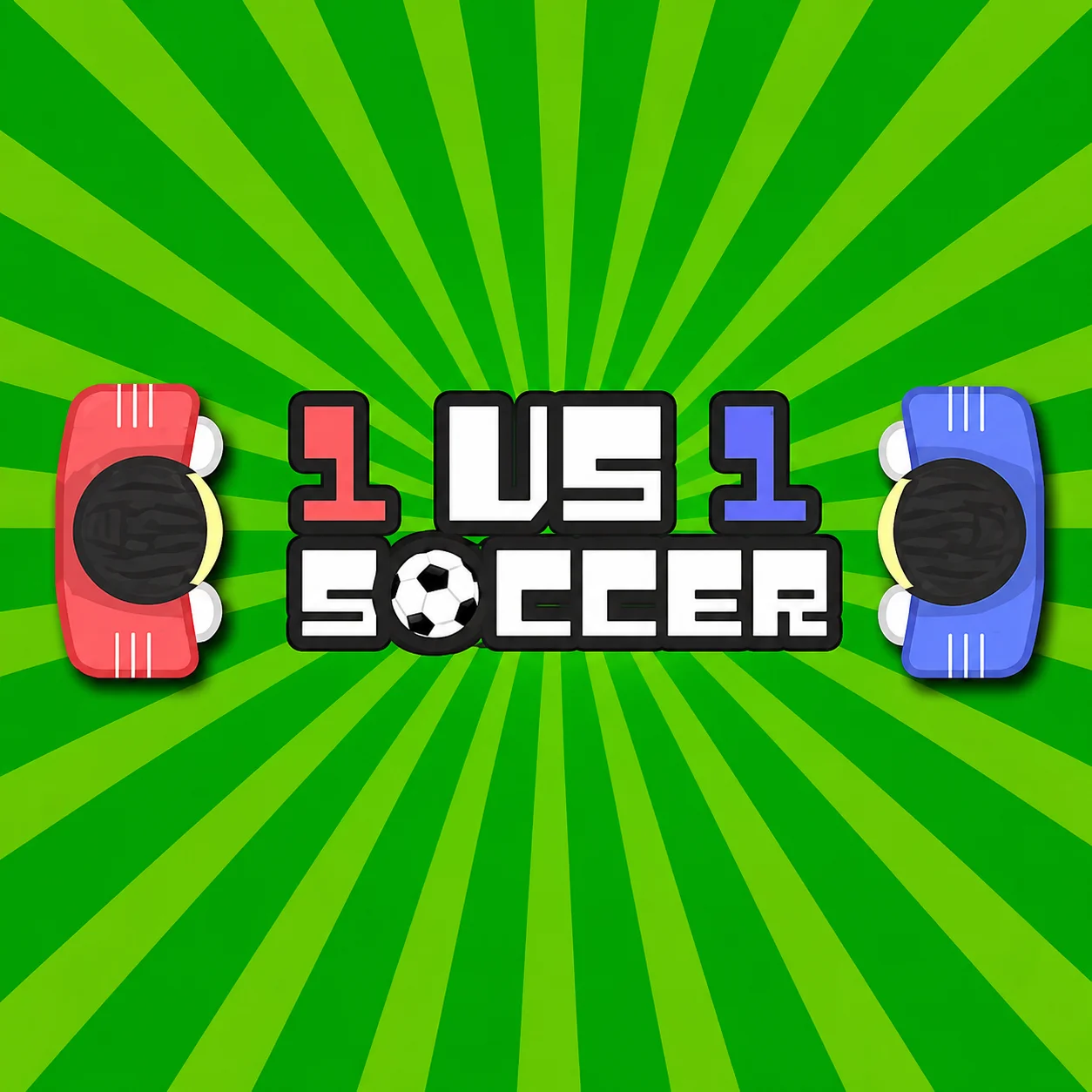
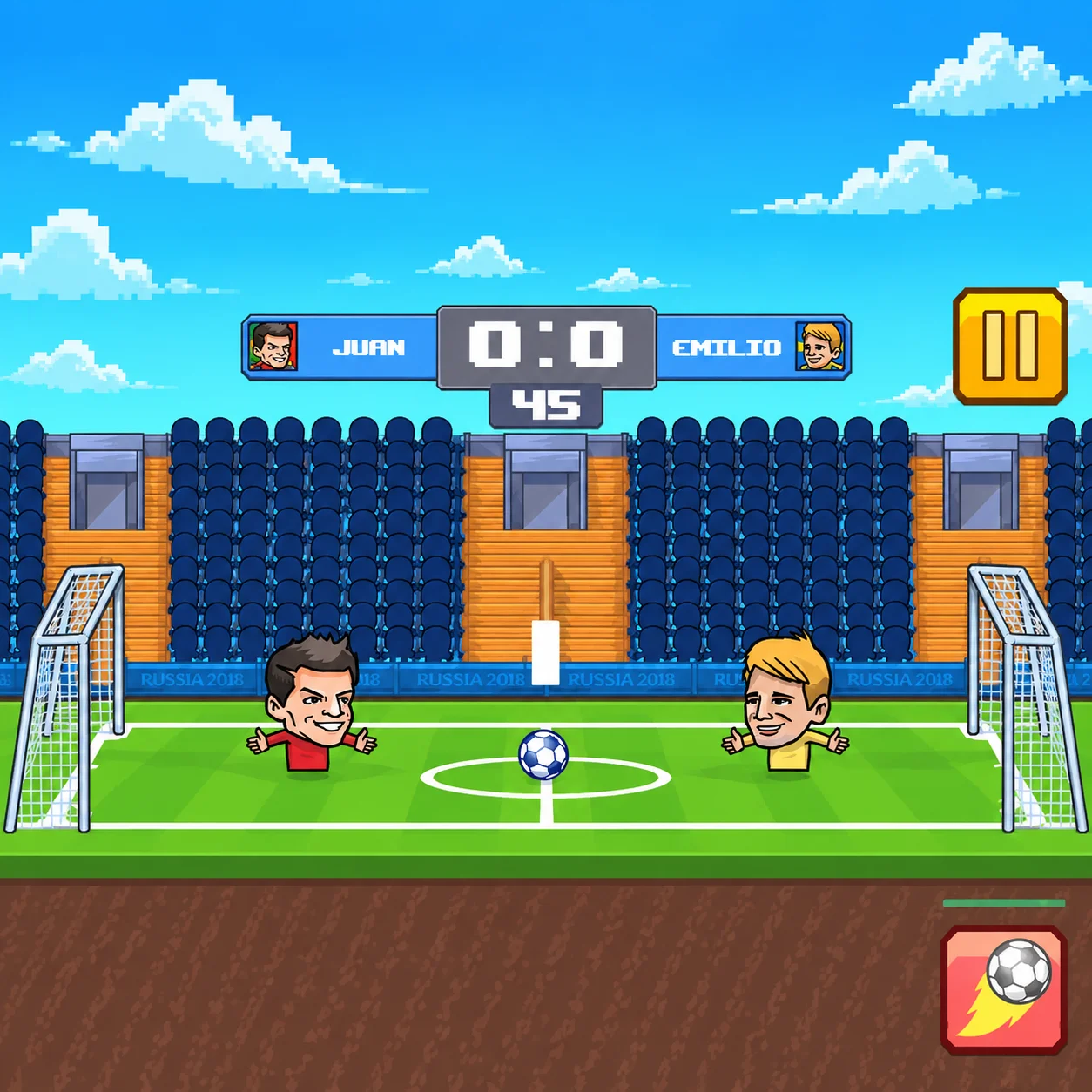
1v1 Soccer is a minimalist two-player football game created for quick same-computer competition. Each participant controls one character on a small pitch and attempts to push or deflect the ball into the opposing goal.
There are no full teams, tactical menus, or complicated button combinations. One player uses A and D, while the other uses the Left and Right Arrow Keys. Movement and physical contact with the ball create every shot, save, and rebound.
The first player to score seven goals wins the match. Because there are no teammates or separate goalkeepers, each participant is responsible for both attacking and defending.
The simple control scheme makes 1v1 Soccer easy to begin, but the unpredictable physics give every match a competitive edge. A small positional error can become an immediate goal, while a fortunate rebound can reverse the direction of play.
The HTML5 edition runs directly in a desktop browser and is best played by two people sharing one keyboard.
How to Play 1v1 Soccer
Choose a side and place both players at the same keyboard. Once the match begins, move your character toward the ball and use physical contact to send it toward the opposing goal.
The game does not require a separate kick button in its standard version. Your character’s movement, momentum, and position determine how the ball travels after contact.
The basic match sequence is:
Move toward the ball as play begins.
Position your character on the side opposite the target goal.
- Push or deflect the ball into the opponent’s half.
- Retreat when the opponent gains a favorable angle.
- Block the direct path between the ball and your goal.
- Use rebounds to create counterattacks.
- Score seven goals before your opponent.
- After a goal, the game resets the field for the next round. React quickly, because an opponent who reaches the restarted ball first may create another immediate scoring chance.
1v1 Soccer Controls
1v1 Soccer Controls
1v1 Soccer: Player 1 — A
In 1v1 Soccer, move left
1v1 Soccer: Player 1 — D
In 1v1 Soccer, move right
1v1 Soccer: Player 2 — Left Arrow
In 1v1 Soccer, move left
1v1 Soccer: Player 2 — Right Arrow
In 1v1 Soccer, move right
The Main Objective in 1v1 Soccer
Each participant controls one character on a small pitch and attempts to push or deflect the ball into the opposing goal.
Match Rules, Ball Physics, and Scoring
Game Element
Function
Strategic Importance
Two Players
Places one participant on each side
Creates direct local competition
Shared Keyboard
Gives each player two movement keys
Allows simultaneous play on one computer
Physical Contact
Moves the ball without a kick button
Makes positioning and momentum essential
Two Goals
Provide one target for each participant
Require constant attack and defense
Seven-Goal Target
Determines the winner
Creates a clear match objective
Field Rebounds
Redirect the ball after collisions
Produce unexpected scoring opportunities
Automatic Reset
Restarts play after each goal
Keeps matches moving quickly
Beginner Tips for 1v1 Soccer
- Stay between the ball and your goal when defending. This basic position blocks the most direct scoring route.
- Use short movements near the ball. Holding a direction for too long can carry your character past the play.
- Do not chase every rebound immediately. Watch its path and move toward where it will arrive.
- Approach from behind the ball. Contact from the wrong side may send it toward your own goal.
- Return to defense after losing a challenge. Continuing forward gives the opponent an open counterattack.
- Learn the restart timing. Reaching the ball first after a goal can create early control of the next round.
- Remain patient when leading. You need to reach seven goals first, but you do not need to attack recklessly on every possession.
- Practice both sides of the keyboard. Understanding how each control position feels makes matches fairer when players exchange sides.
Advanced Tips for 1v1 Soccer
- Use momentum deliberately. Begin moving before contact when you want a stronger clearance, but reduce speed when attempting to keep the ball close.
- Bait the opponent forward. Move away slightly and allow them to overcommit, then reverse direction as the ball rebounds into open space.
- Control the center. A central position provides faster access to both the attacking ball and your defensive goal.
- Create two-touch attacks. Use the first collision to position the ball and the second to send it toward the goal instead of attempting to score from every contact.
- Watch the opponent rather than only the ball. Their movement reveals which side they intend to cover and where open space may appear.
- Block with your character’s full body. When a direct attack is coming, positioning is often more reliable than attempting to strike the ball at the last moment.
- Vary the timing of your challenges. If you always rush immediately, the opponent can anticipate your movement and redirect the ball behind you.
- Protect against own goals. When the ball is close to your net, avoid hitting it from the outside toward the center. Move into a safer angle before making contact.
- At six goals, prioritize the next restart. One clean opening can decide the entire match, so avoid giving the opponent uncontested possession.
Game Features in 1v1 Soccer
- Match Rules, Ball Physics, and Scoring
1v1 Soccer FAQ
What is 1v1 Soccer?
1v1 Soccer is a local two-player browser game in which each participant controls one football character and attempts to score seven goals in 1v1 Soccer.
How do I win a match?
1v1 Soccer: Become the first player to score seven goals against the opponent in 1v1 Soccer.
Can I play 1v1 Soccer alone?
1v1 Soccer: The commonly hosted version is designed primarily for two local players. Computer-controlled solo play may not be available in 1v1 Soccer.
How does Player 1 move?
1v1 Soccer: Player 1 uses A to move left and D to move right in 1v1 Soccer.
How does Player 2 move?
1v1 Soccer: Player 2 uses the Left and Right Arrow Keys in 1v1 Soccer.
Is there a kick button?
1v1 Soccer: The standard minimalist version does not use a separate kick button. Moving your character into the ball creates shots and clearances in 1v1 Soccer.
Can I play against a friend online?
1v1 Soccer: The standard version uses local shared-keyboard play rather than online matchmaking. Both participants normally play on the same computer in 1v1 Soccer.
Does the game have teams or goalkeepers?
1v1 Soccer: No. Each side has one controllable character responsible for both attacking and defending in 1v1 Soccer.
Why does the ball move unpredictably?
1v1 Soccer: Its direction depends on the collision angle, character movement, and previous momentum. Multiple rapid contacts can create unusual rebounds in 1v1 Soccer.
What should I do after scoring?
1v1 Soccer: Prepare immediately for the restart. The next round begins quickly, and early positioning can determine who controls the ball in 1v1 Soccer.
Does 1v1 Soccer require a download?
1v1 Soccer: No. The HTML5 game runs directly in a compatible desktop browser in 1v1 Soccer.
Is 1v1 Soccer the same as 1v1Soccer.io?
1v1 Soccer: Not necessarily. Several games use similar names. This article describes the local two-player version controlled with A and D for one player and the Left and Right Arrow Keys for the other. in 1v1 Soccer.
How do you play 1v1 Soccer?
1v1 Soccer: Choose a side and place both players at the same keyboard. Once the match begins, move your character toward the ball and use physical contact to send it toward the opposing goal in 1v1 Soccer.
How do you control 1v1 Soccer?
1v1 Soccer: In 1v1 Soccer, use 1v1 Soccer: Player 1 — A (In 1v1 Soccer, move left); 1v1 Soccer: Player 1 — D (In 1v1 Soccer, move right); 1v1 Soccer: Player 2 — Left Arrow (In 1v1 Soccer, move left).
What is the goal in 1v1 Soccer?
1v1 Soccer: Each participant controls one character on a small pitch and attempts to push or deflect the ball into the opposing goal in 1v1 Soccer.